
What is the difference between WordPress and Webflow?
WordPress and Webflow are both popular platforms for creating websites. But what is the difference between the two? Let's take a look at the main differences between WordPress and Webflow:
Ease of use: WordPress is one of the most user-friendly platforms for creating websites. It has an intuitive admin screen and lots of tutorials and guides to get you started. Webflow is also user-friendly, but it is slightly more complex than WordPress and has a steeper learning curve. If you are new to creating websites, WordPress may be a good choice as it is easier to learn.
- Flexibility: WordPress is one of the most flexible platforms for creating websites. It has thousands of plugins and themes to customise your website to your specific needs. This means you can add almost any feature to your website, from contact forms to shopping carts. Webflow is also flexible, but doesn't have as many options as WordPress. If you are looking for a platform with many customisable options, WordPress might be the best choice.
- Design: WordPress allows you to create a website with a professional design, but you need some technical knowledge to do this. For example, you need to know how to install and customise a theme, and how to add or modify code. Webflow, on the other hand, is a platform specifically designed for designing professional websites without needing any technical knowledge. It has a visual design interface that allows you to design a professional-looking website without code. This makes it ideal for designers and marketers who have no experience with code but want to create a professional-looking website. If you have no technical knowledge and are looking for a platform that allows you to create a professional-looking website without having to write code, Webflow might be the best choice.
- Hosting: WordPress does not have its own hosting service, so you have to put your website on a hosting provider yourself. This means you have to buy a domain name and choose hosting before you can put your website online. Webflow, on the other hand, offers hosting as part of its platform. This means you can publish your website directly to Webflow without having to find a separate hosting provider. If you are looking for convenience and ease in hosting your website, Webflow might be a good choice.
- SEO: WordPress has many SEO tools and plugins to help you optimise your website for the search engines. This can help your website appear higher in Google's search results, which can lead to more visitors. Webflow also has SEO tools, but they are not as comprehensive as WordPress's. If you are looking for a platform with extensive SEO capabilities, WordPress may be the best choice.
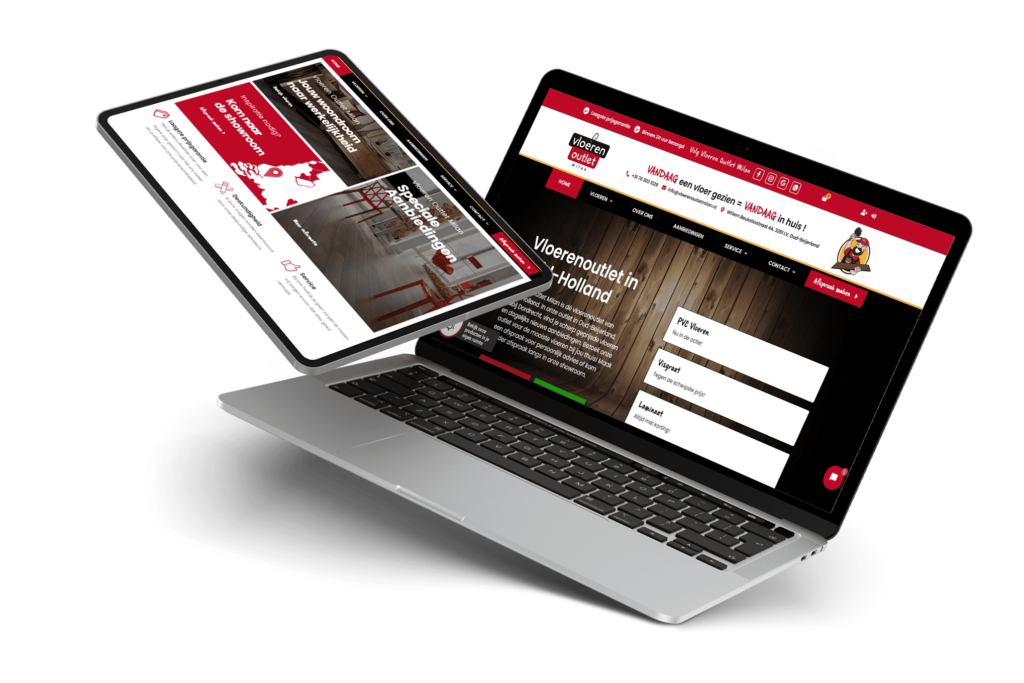
If you are looking for a professional web design agency to get a website created for your business or organisation, Marktagence is good choice. We specialise in creating attractive and professional websites for different audiences. Feel free to take a look at our portfolio or request a tender To see what we can do for you.
Online meeting scheduling
Schedule your appointment today!
At Marktagence, you can have a memorable website created, with a personalised approach. Our main goal is to create beautiful, unique and user-friendly websites that convert effectively.
Check our social media channels